Automatically follow up with your learners at the right time, with the right message
Définissez vos propres règles : inactivité, progression, date, combinaison de critères… KeepUsers se charge d’envoyer la bonne notification, au bon moment, à la bonne personne.
Obtenir KeepUsers sur Moodle MarketPlace
🐣 Early Bird : 89 $ / an jusqu’au 1er octobre 2026 – Ensuite 119 $ / an
💬 Support inclus avec la licence
Complete documentation available
Moodle 4.0
and later versions
2 levels
courses and platforms
2 channels
Email and Moodle Notifications

Your students are losing interest. In silence.
Log in to Moodle. Your dashboard is empty.
You’ve created your course and enrolled your participants. But some people have never logged in. Others started out, but then disappeared. No alert, no signal. And you don’t have the time or the tools to manually monitor everyone’s activity.
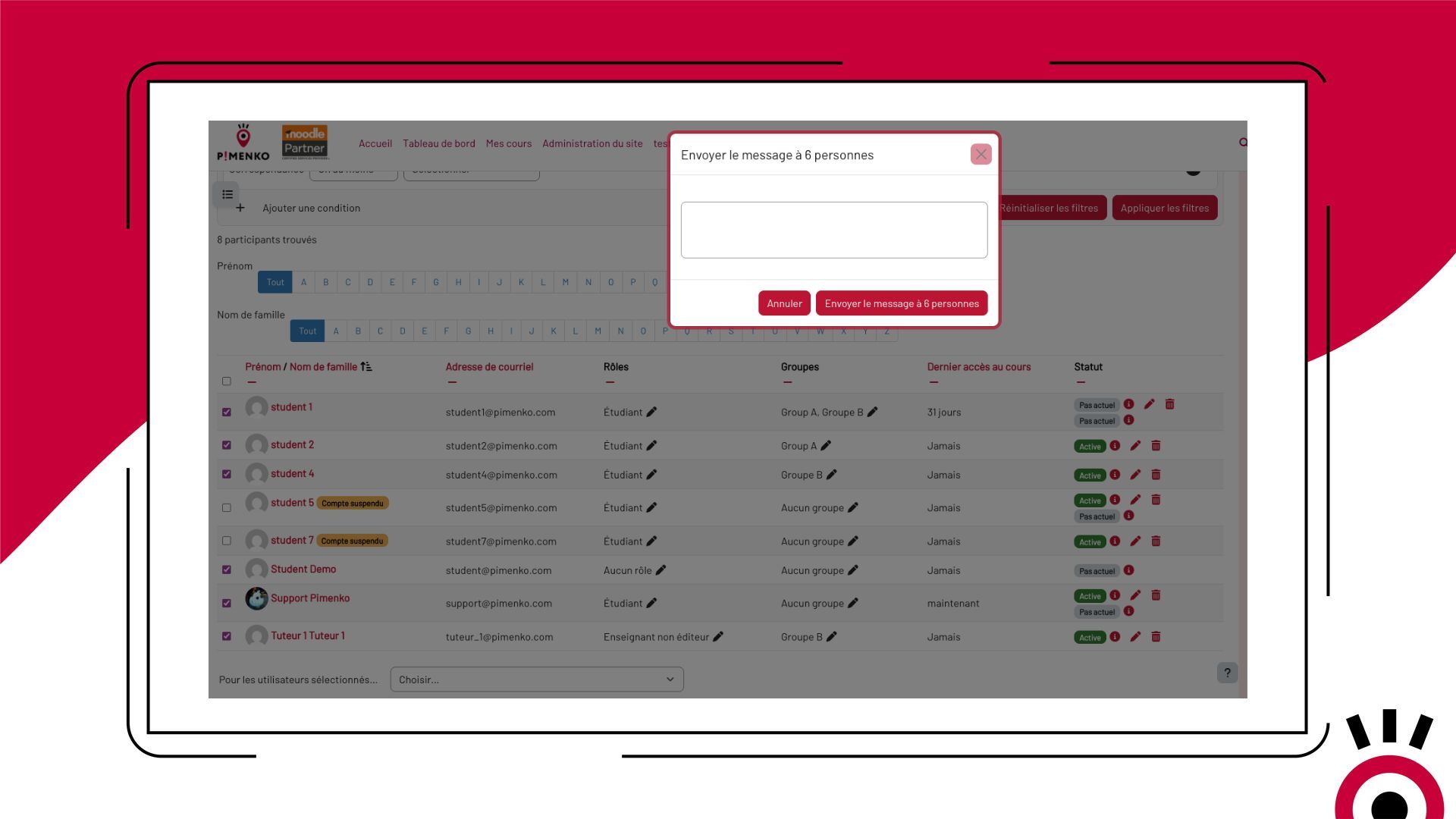
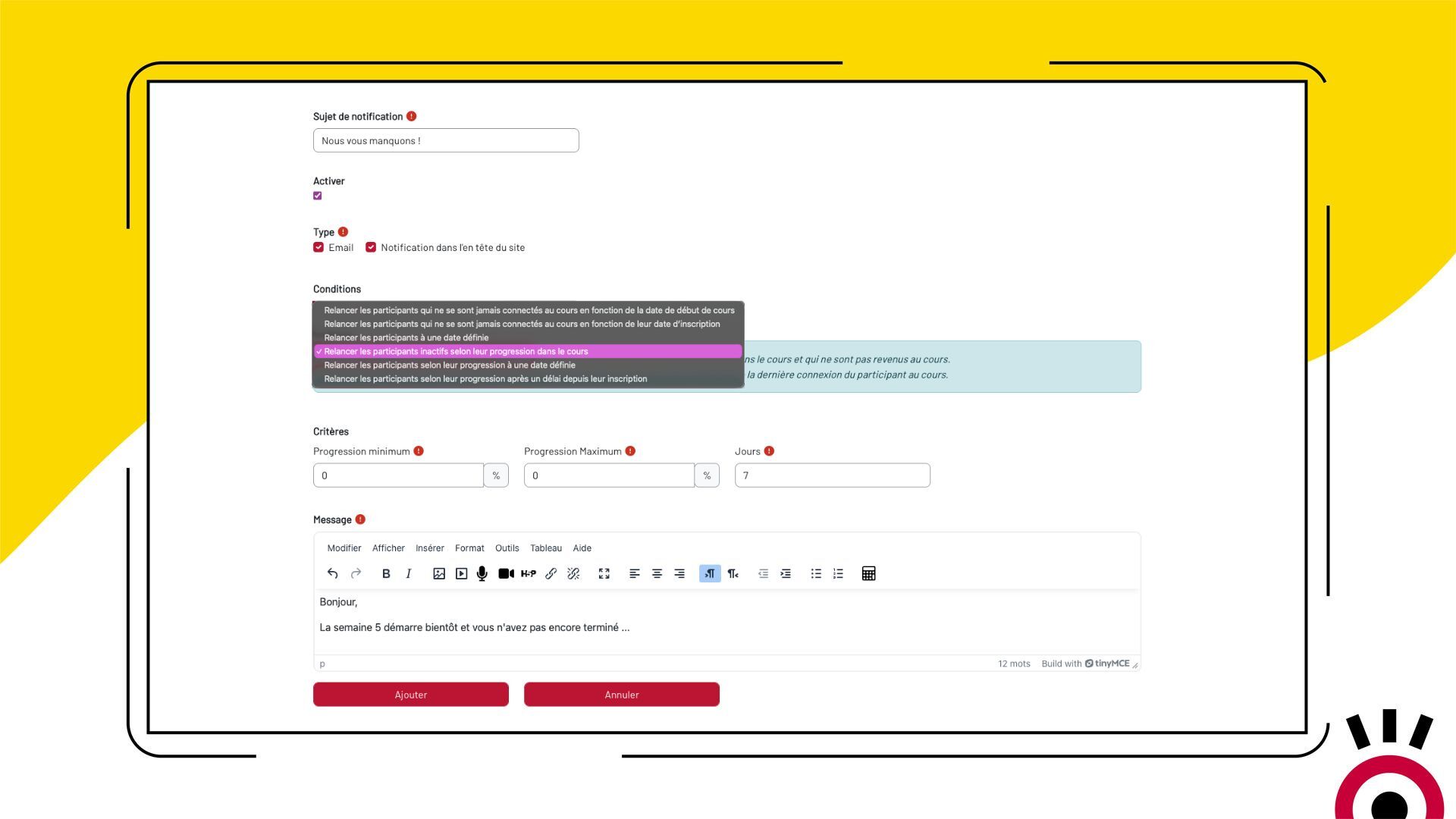
The solution: KeepUsers automatically restarts at the right time
Set up your follow-up rules once—inactivity, escalation, date—and KeepUsers takes care of the rest. Eligible participants receive the message automatically, without any action required on your part.
KeepUsers in Pictures
Find out how Keepusers helps you automatically follow up with your learners at the right time and with the right message.
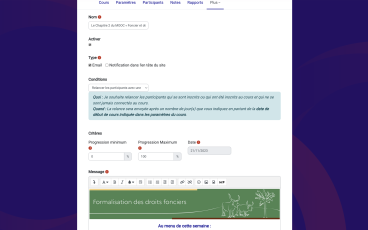


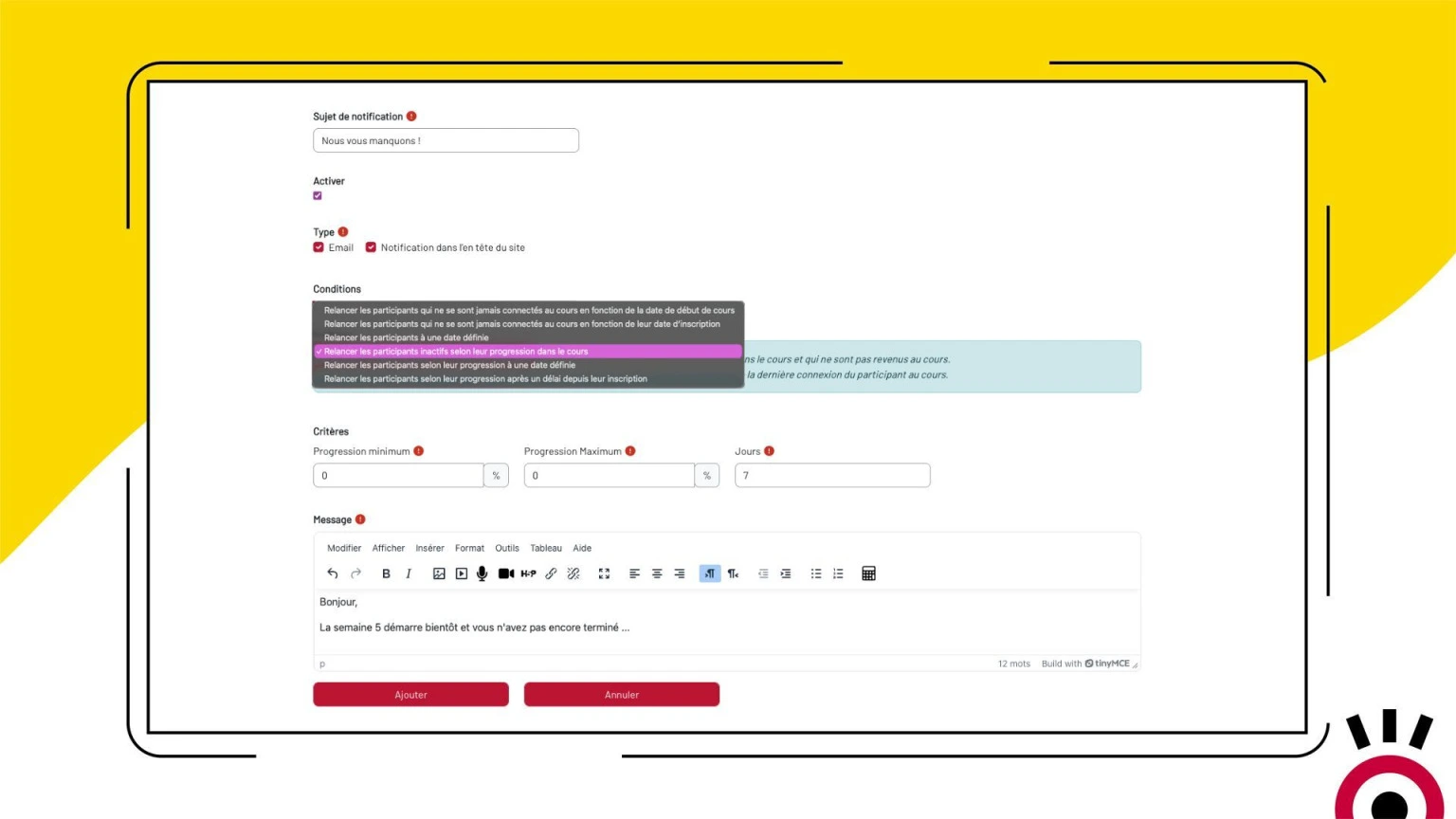
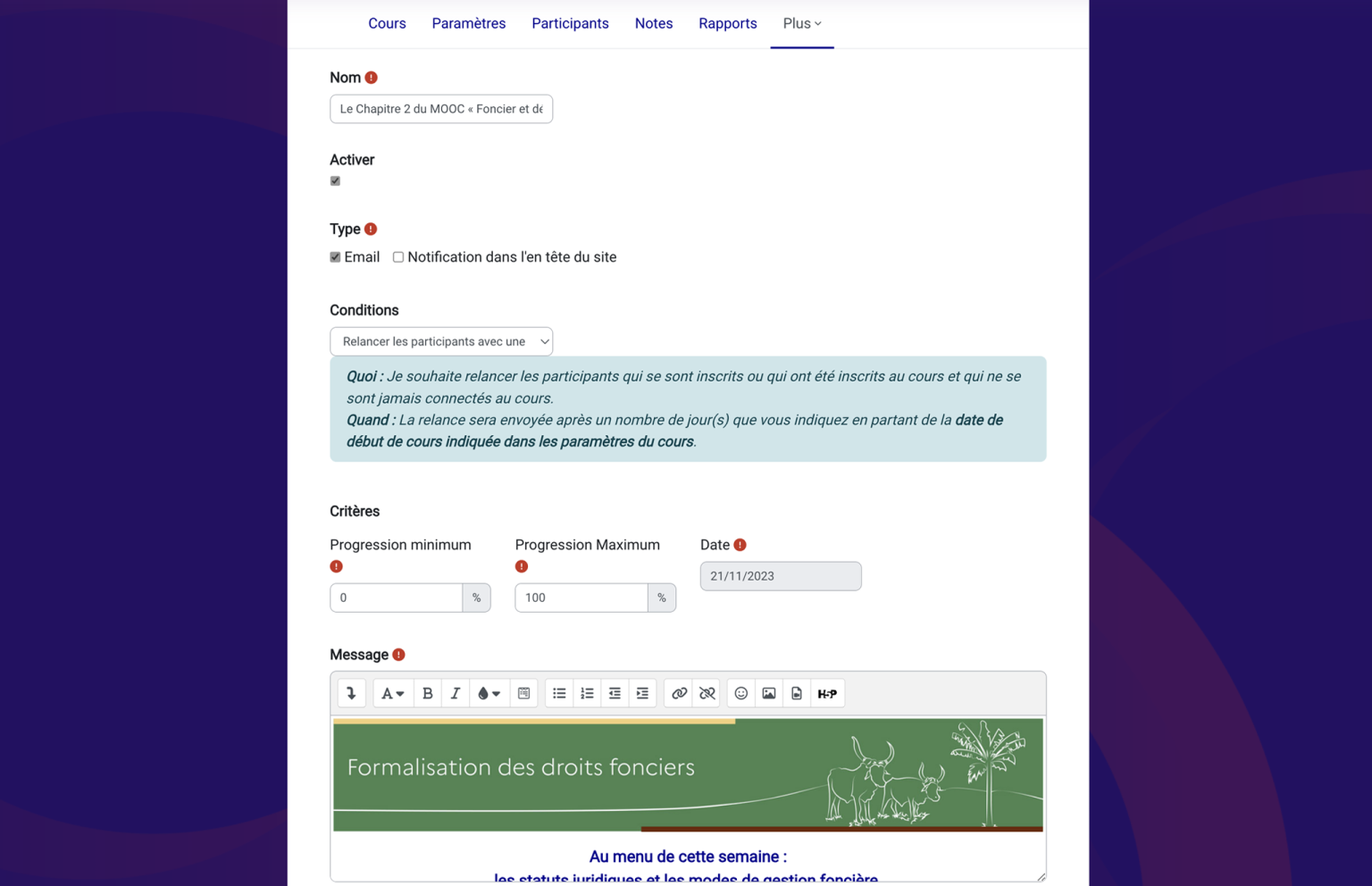


See KeepUsers in action
Everything KeepUsers Does
-
Targeting by Progress Level
Target learners based on their exact progress in the course: for example, those between 0% and 10%, or those who have reached 70% but haven’t finished.
-
Fully automatic triggering
As soon as the criteria are met, the notification is sent automatically. No manual intervention is required.
-
Dual notification channel
Send via email, through the Moodle notification bell, or both, depending on your settings.
-
Fully customizable content
Feel free to create your posts however you like: text, images, videos, links. Encouragement, congratulations, reminders—each follow-up is tailored to your tone and your audience.
-
Customizable by teachers
No administrator access is required for reminders at the course level. Teachers can set up their own notifications directly from the course menu.
-
Platform-Level Management
Administrators can create global reminders targeting all inactive users on the platform from the site’s administration panel.
-
Triggered on a specific date
Schedule a notification for a specific day—useful for end-of-session reminders or certification reminders.
-
Advanced Criteria Combination
Combine inactivity, progress, and date to create highly targeted follow-ups: for example, participants who have made less than 10% progress and have been inactive for 7 days.
-
Up and running in just a few minutes
Installation is simple, and you can start using it right away. It only takes a few minutes of setup to start your first automatic reminders.
- Accès complet à toutes les fonctionnalités
- Toutes les mises à jour incluses
- Support via tracker
- Compatible Moodle 4.5 & et version suivante
Ready to make sure you don’t lose any students along the way?
Available on the Moodle Marketplace – from $89 per year (early bird)Frequently Asked Questions
Do you have to be a Moodle administrator to use KeepUsers?
No. For follow-up activities within a course, the “teacher” role is sufficient. Only platform-level notifications require administrator access.
How many automatic notifications can you create?
There is no limit. You can create as many notifications as needed, with different criteria, for each course or at the site level.
What happens if a learner meets several criteria at once?
Each notification is independent. If a learner meets the criteria for multiple rules, they will receive each corresponding notification based on the settings for those rules.
Can learners unsubscribe from notifications?
Notifications sent through Moodle’s internal system respect each user’s notification preferences. For emails, it depends on your platform’s overall configuration.
Does KeepUsers work with Moodle Workplace?
Yes. KeepUsers is compatible with Moodle Workplace 4.0 and later versions.
Does the license cover all users of my platform?
Yes. A single annual subscription covers all users of your Moodle instance, with no limit on the number of users.