Give your Moodle platform a professional look without a developer
Le thème Pimenko transforme votre Moodle en plateforme à votre image : catalogue de cours interactif, page d’accueil sur mesure, charte graphique complète, accessibilité WCAG 2.1. Gratuit, open source, maintenu depuis Moodle 3.11 jusqu’à 5.1.
Bientôt sur la Moodle Marketplace, disponible sur Github dès maintenant
🐣 Gratuit pour toujours !
Complete documentation available
Moodle 3.11+
Moodle Coverage for the Past 10 Years
+100 client platforms
deployed with this theme
100% free
open source on GitHub

Your Moodle looks just like every other Moodle.
By default, Moodle uses a generic theme: the same structure, the same colors, and the same flat-list course catalog. For a university, foundation, or training organization that wants to offer a platform that reflects its institution’s image, this starting point is insufficient—and customizing Moodle without a suitable theme requires advanced technical skills.
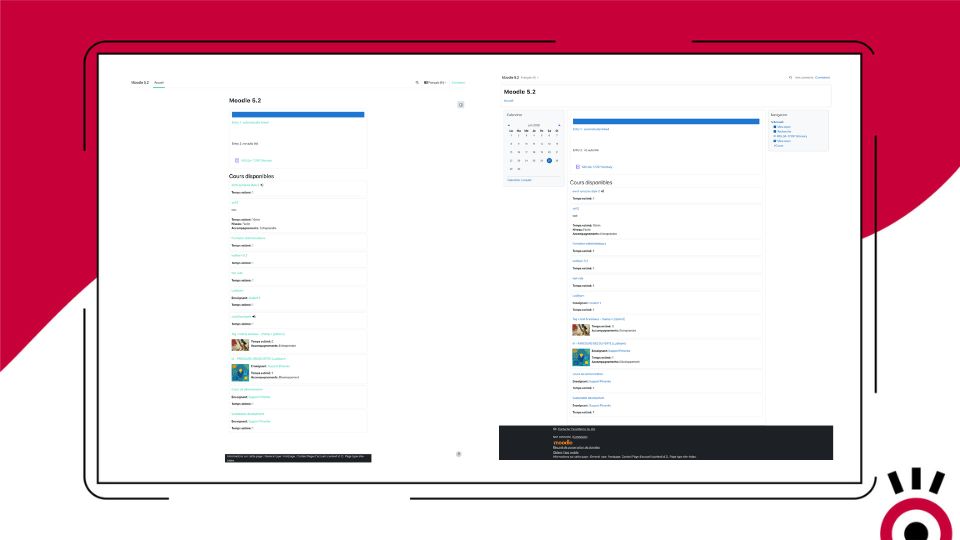
The Pimenko theme transforms Moodle into a platform that reflects your brand—in just a few clicks.
Choose your colors, font, and logo. Set up your catalog with filters and thumbnails. Create a homepage with a slideshow and flexible blocks. All of this can be done from the Moodle administration interface, without having to write a single line of code.
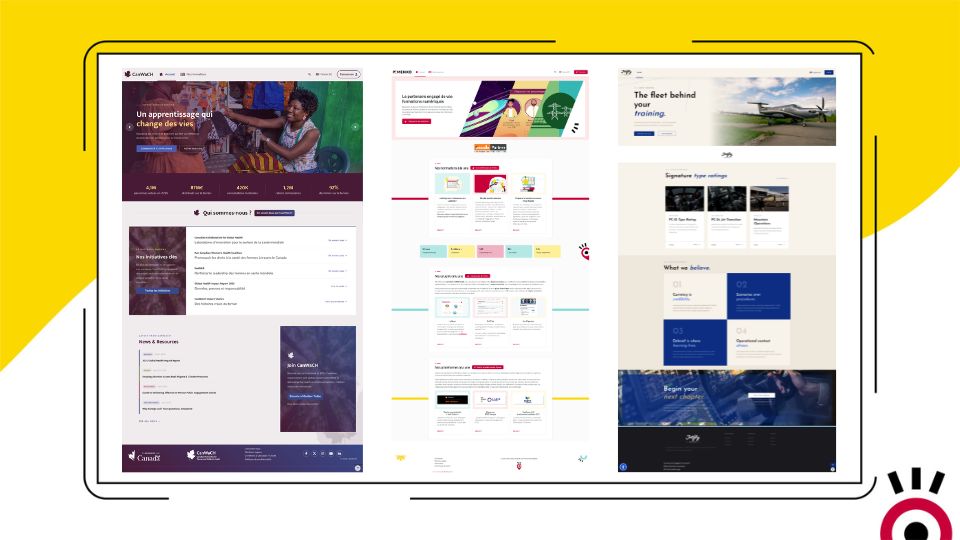
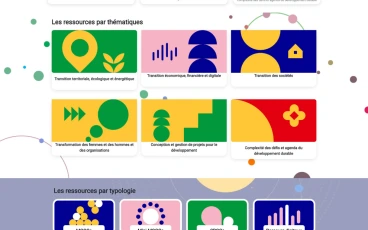
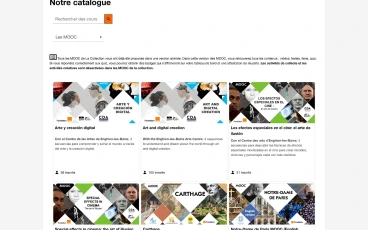
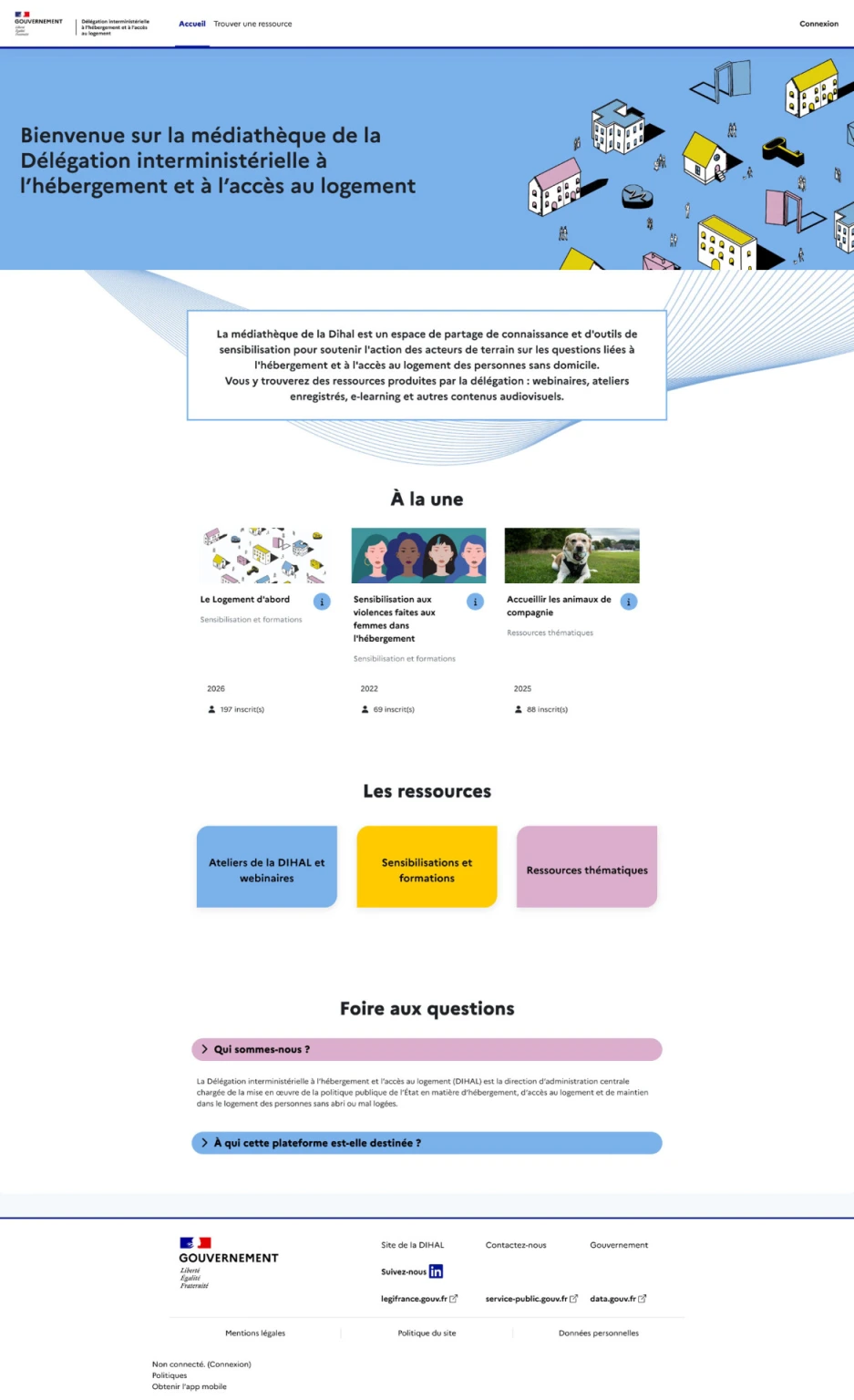
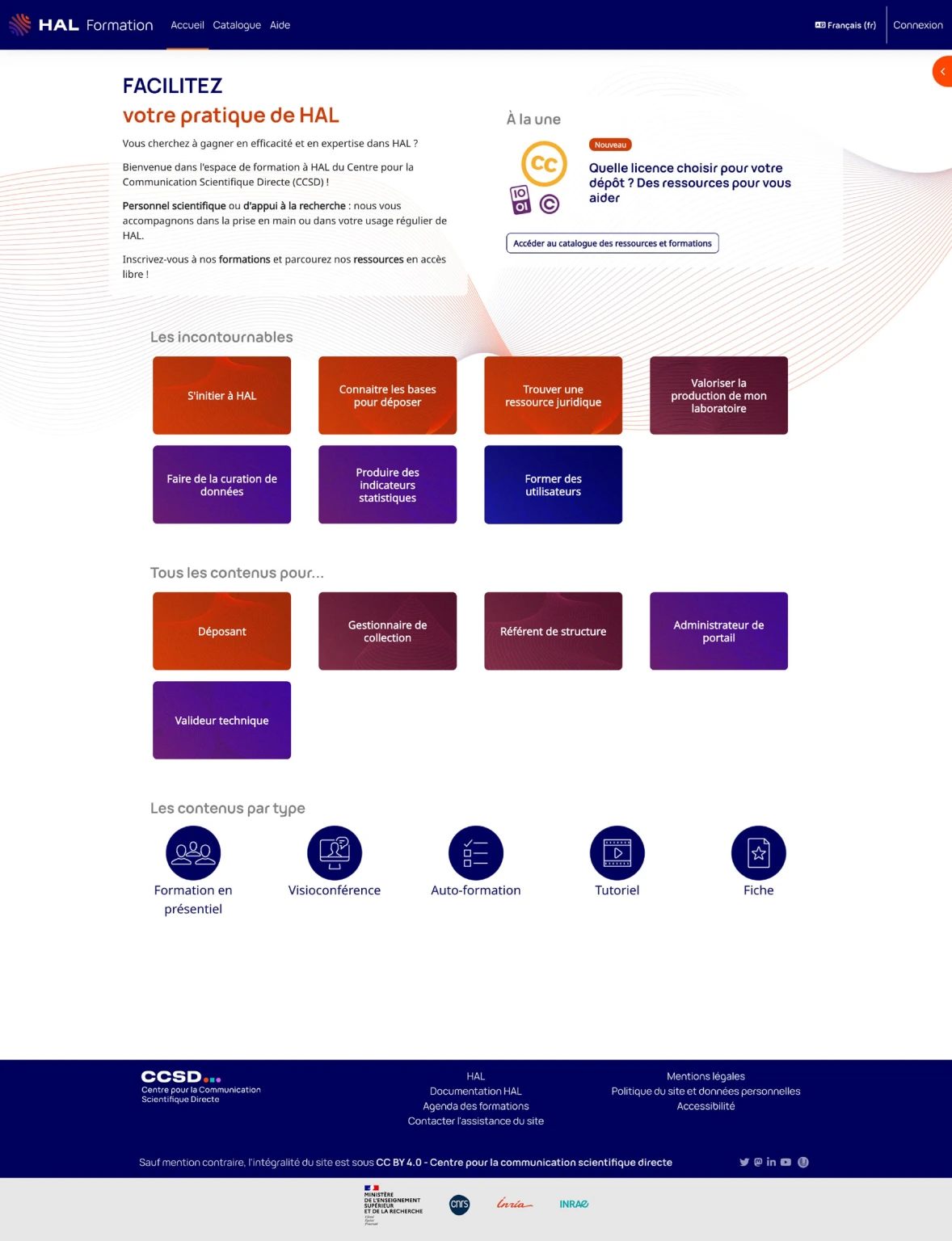
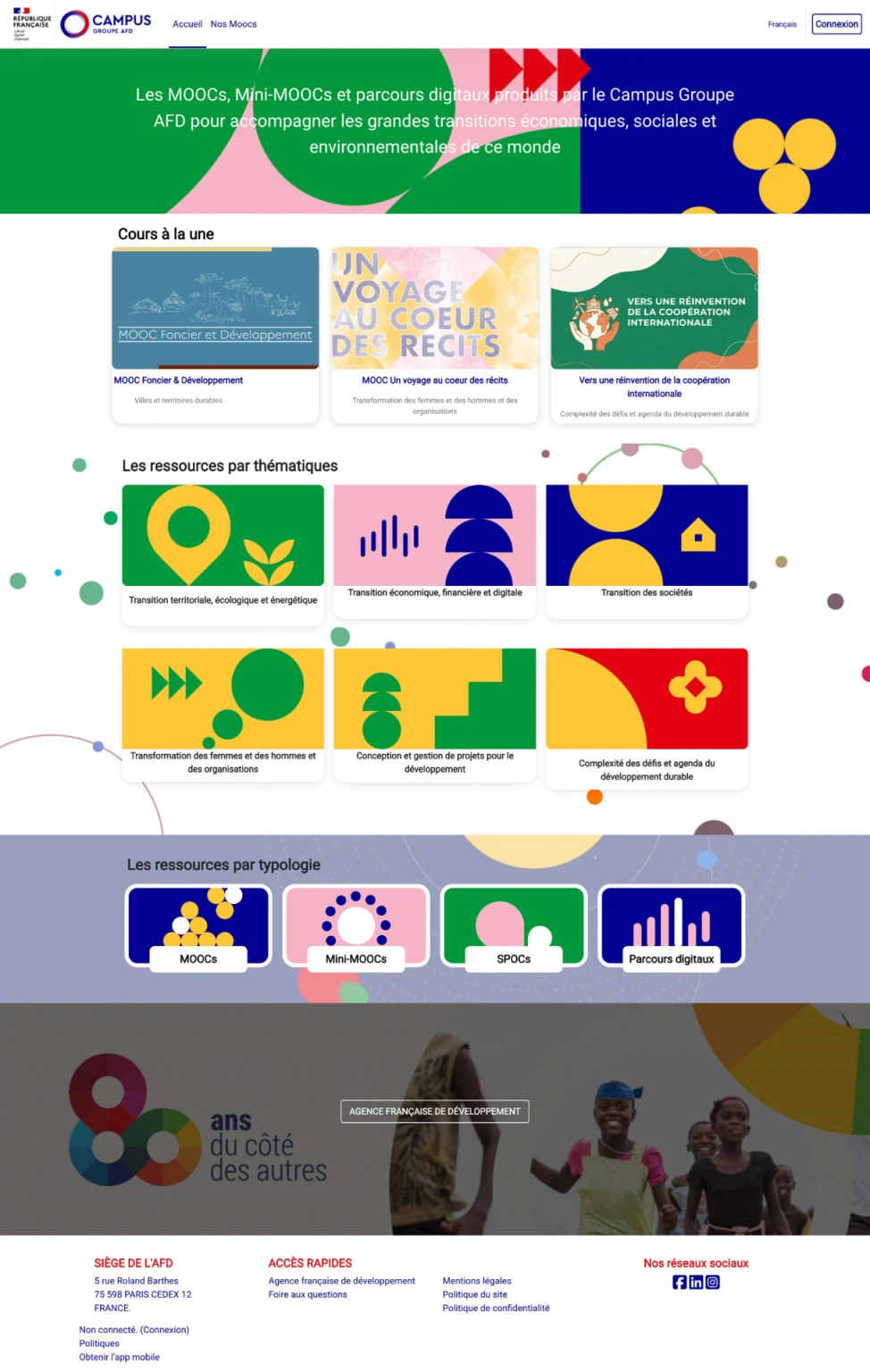
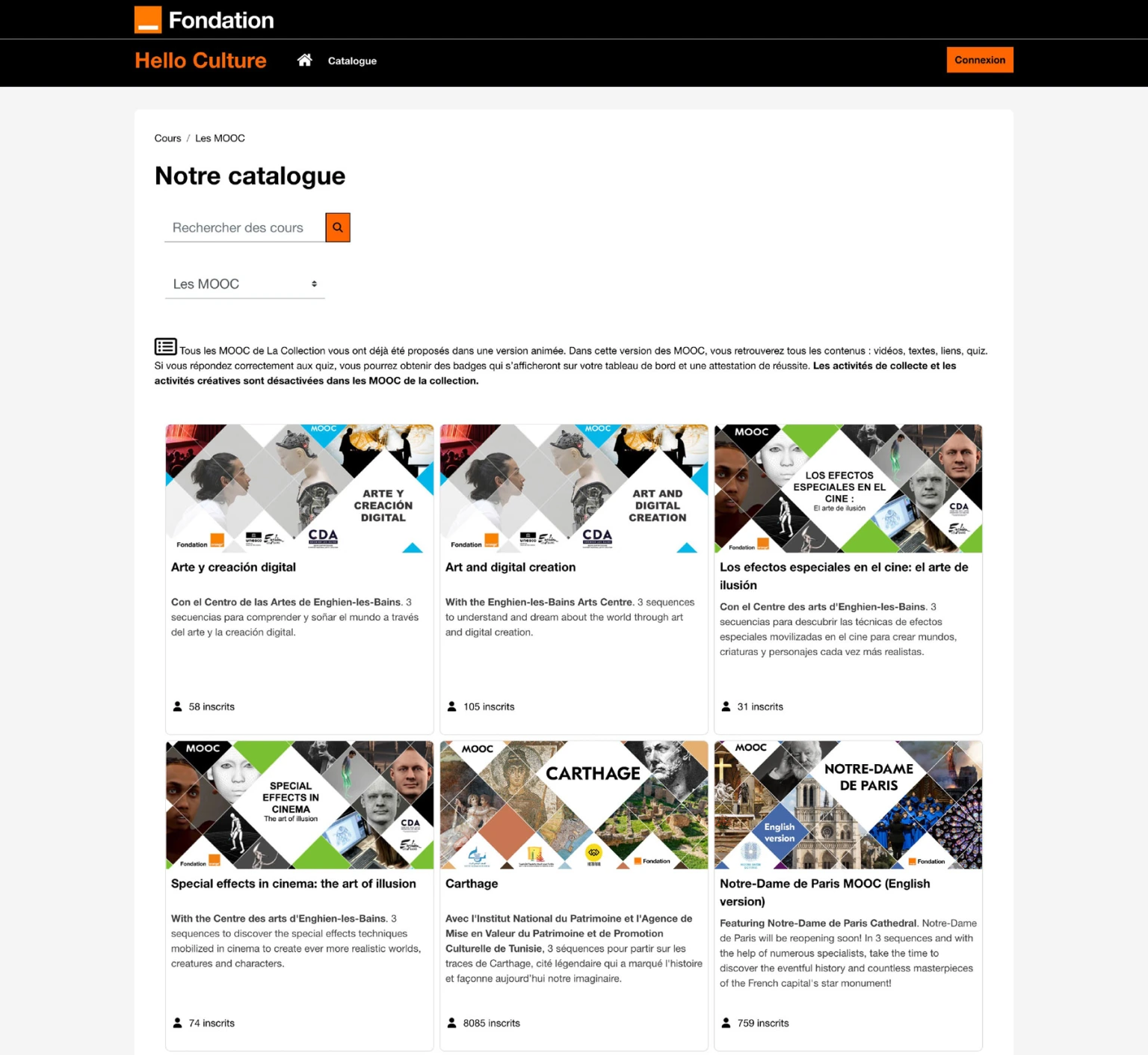
Very different platforms, one common theme
From foundations to universities, from MOOCs for the general public to institutional platforms: the Pimenko theme adapts to any context.
Everything the Pimenko theme does
-
A Complete Brand Identity Guide in Just a Few Clicks
Primary color, button colors, Google Fonts, favicon, background image: Your entire visual identity can be quickly applied across the entire platform from a single control panel.
-
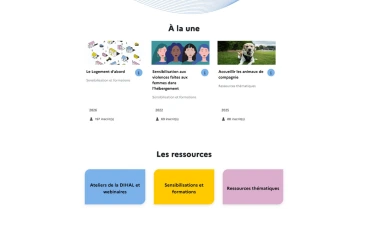
Interactive course catalog with advanced filters
The theme can replace Moodle’s standard course list with a visual catalog featuring thumbnails. Enable filtering by tags and custom fields (duration, language, course type, etc.) and display the number of registrants on each thumbnail.
-
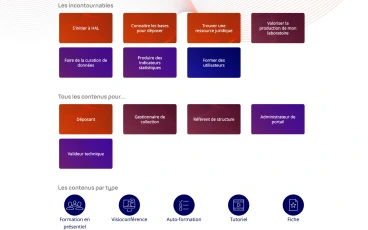
Fully Customized Home Page
Create a professional homepage with an image slideshow, flexible content blocks, and custom course thumbnails. Your platform becomes a real website, not just a generic tool.
-
Cover Images by Course
Teachers can add a custom image at the top of each course to be displayed as a thumbnail or a full-width banner, with an optional color filter and an overlay title. Each course has its own visual identity.
-
Customizable Login Page
Customize the look of the login page with a variety of templates: background image, two-column layout, and control over how manual authentication is displayed. You make a great first impression on your users.
-
Enhanced Navigation
Add “Previous/Next” navigation buttons between activities, customize the navigation bar (logo, colors, links, logged-in user menu), set up a “My Categories” menu, and manage the visibility of the “Participants” section.
-
WCAG 2.1 Level AA Accessibility
The Pimenko theme natively supports the WCAG 2.1 Level AA digital accessibility standards: keyboard navigation, contrast, and readability on all devices. An essential requirement for public institutions and regulated markets.
-
Responsive design for all screen sizes
The display automatically adjusts to computers, tablets, and smartphones. No additional adjustments are required.
-
SCSS Customization for Technical Teams
For developers, the theme exposes raw SCSS sections (variables and styles) for advanced customization. The removal of unnecessary native blocks can also be configured in the admin panel.
-
And many other customization options
Fully customizable footer (columns, social media, legal notices), course summaries displayed in a pop-up window when hovered over, a custom menu for logged-in users, removal of unnecessary native blocks, fine-tuned control over activity display… The Pimenko theme is packed with settings to tailor every detail of your platform to your needs.
- Accès complet à toutes les fonctionnalités
- Toutes les mises à jour incluses
- Support via tracker
- Compatible Moodle 3.11 & et version suivante
Ready to transform your Moodle into a platform that reflects your brand?
Get it on the Moodle Marketplace – freeFAQ
Do you need technical skills to use the Pimenko theme?
Not for essential features. The color, font, logo, catalog, home page, and login page can all be configured entirely through the Moodle administration interface. SCSS options are available for technical teams that want to take things a step further.
With which versions of Moodle is the theme compatible?
The Pimenko theme is supported in all versions of Moodle from 3.11 through Moodle 5.1. Support for Moodle 5.2 is currently under development. It offers one of the most comprehensive versions of an open-source theme available on the market.
Is the theme really free?
Yes. The Pimenko theme is open source and available for free on GitHub. Pimenko handles maintenance and updates with each new version of Moodle.
Is this theme compatible with my existing Boost theme?
Yes. The Pimenko theme is based on Boost, the official Moodle theme. It inherits all of its compatibility features and enhances them with additional functionality.
Does the theme comply with accessibility standards?
Yes. The Pimenko theme complies with WCAG 2.1 Level AA standards. This is a particularly important criterion for public institutions subject to digital accessibility requirements in France (RGAA).
Can we use the theme without going through Pimenko for deployment?
Yes. The theme is freely available on GitHub and can be installed by any Moodle administrator. The Pimenko team is available to assist with deployment and customization if you’d like.