Adaptive gamification on Moodle, based on scientific research, free, and ready to use
LudiLearn attribue à chaque apprenant l’élément de jeu qui correspond à son profil motivationnel. Pas de points pour tout le monde : une approche personnalisée, validée par 8 ans de recherche et plus de 2 000 élèves expérimentés.
Obtenir Ludilearn sur la Moodle Marketplace
🐣 Gratuit pour toujours !
💬 Support inclus avec la licence
Complete documentation available
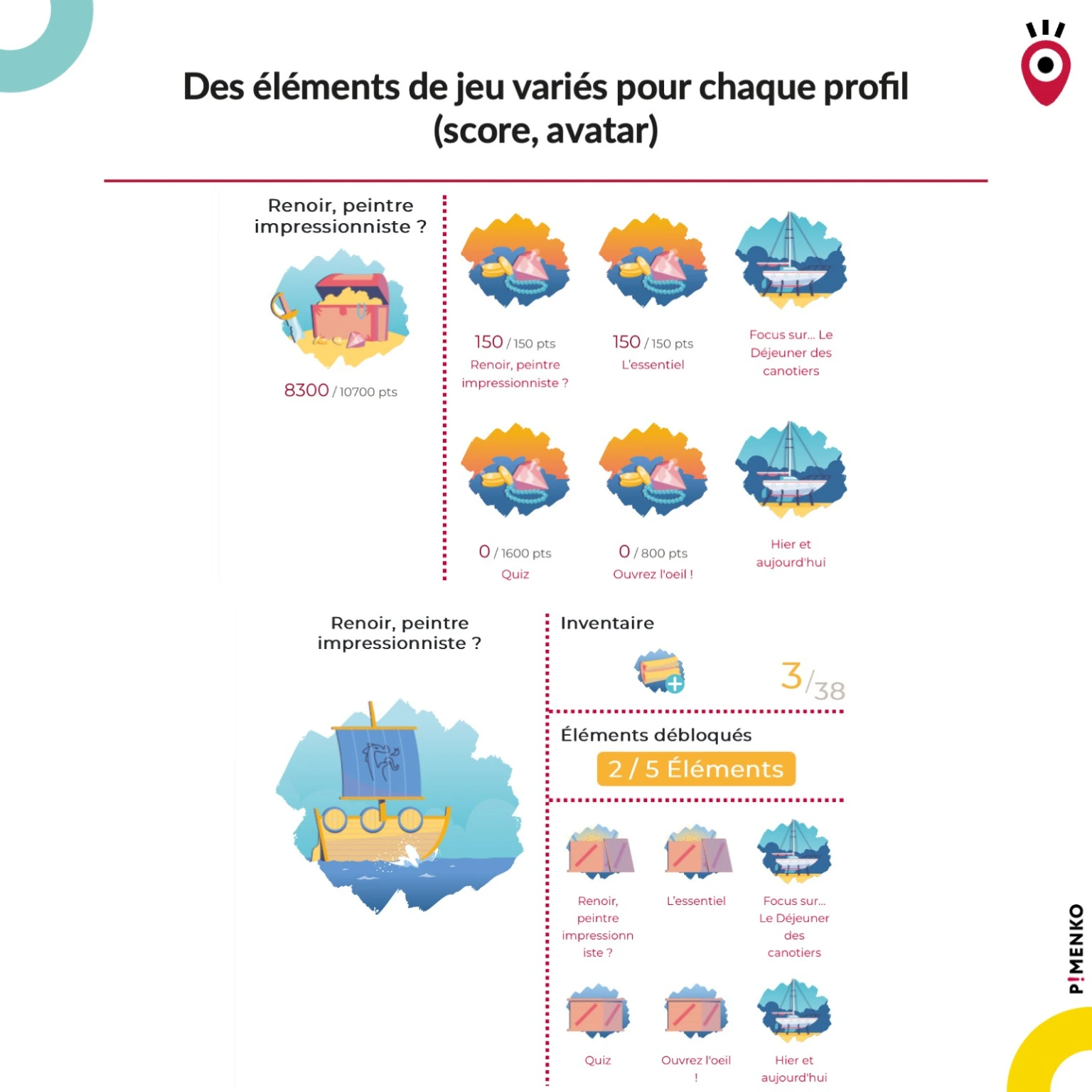
6 game pieces
tailored to each profile
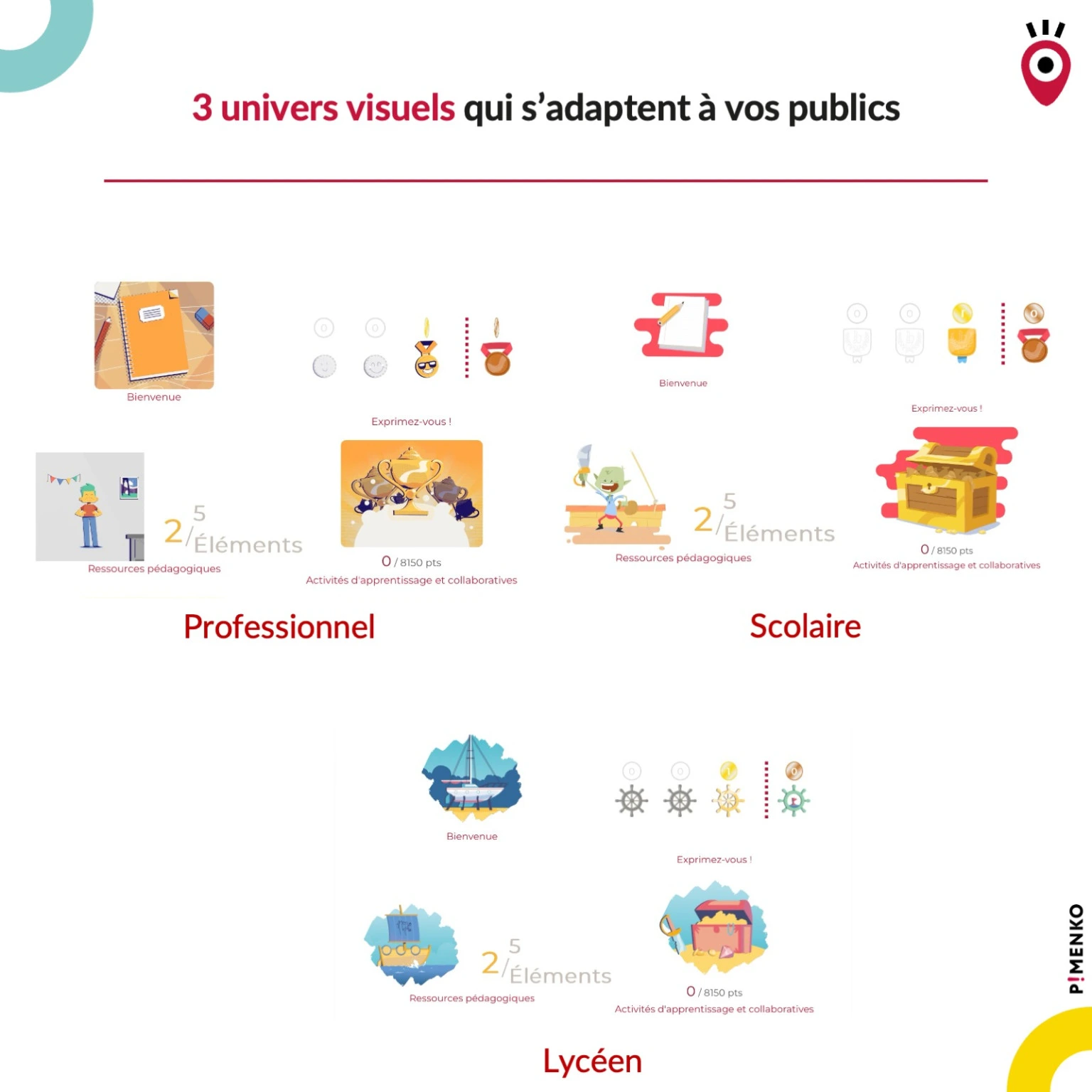
3 graphic styles
Elementary School Student – High School Student – Adult Learner
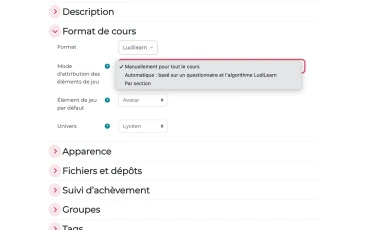
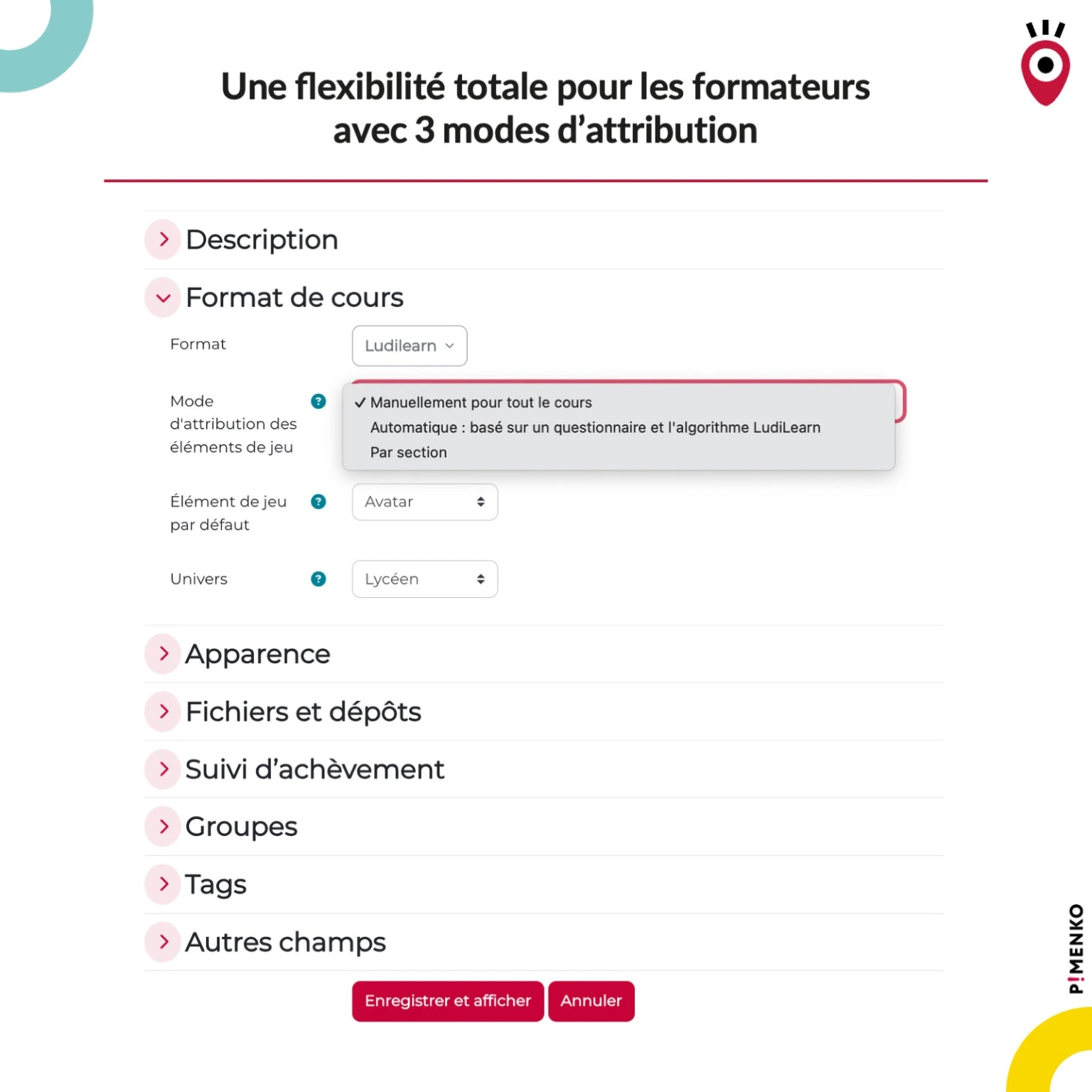
3 allocation methods
Manual – Automatic – By Section
100% free
open source

Gamification doesn’t work… if it’s used incorrectly.
Simply adding points, badges, or a leaderboard to a course isn’t enough to motivate learners. Research conducted since 2018 by the LIRIS laboratory (CNRS, University of Lyon) clearly demonstrates that a one-size-fits-all approach to gamification can have the opposite effect of what is intended. Some learners lose interest precisely because of the game mechanics that are imposed on them.

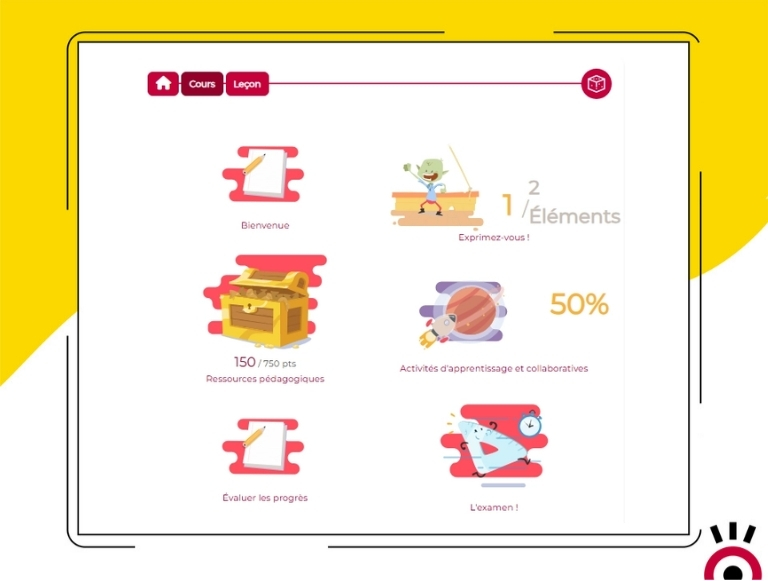
The solution: LudiLearn adapts the game to each learner automatically or based on the teacher’s choices
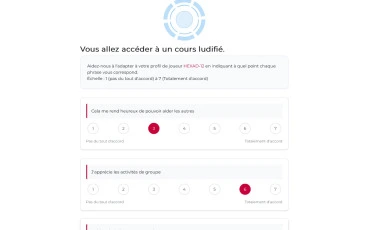
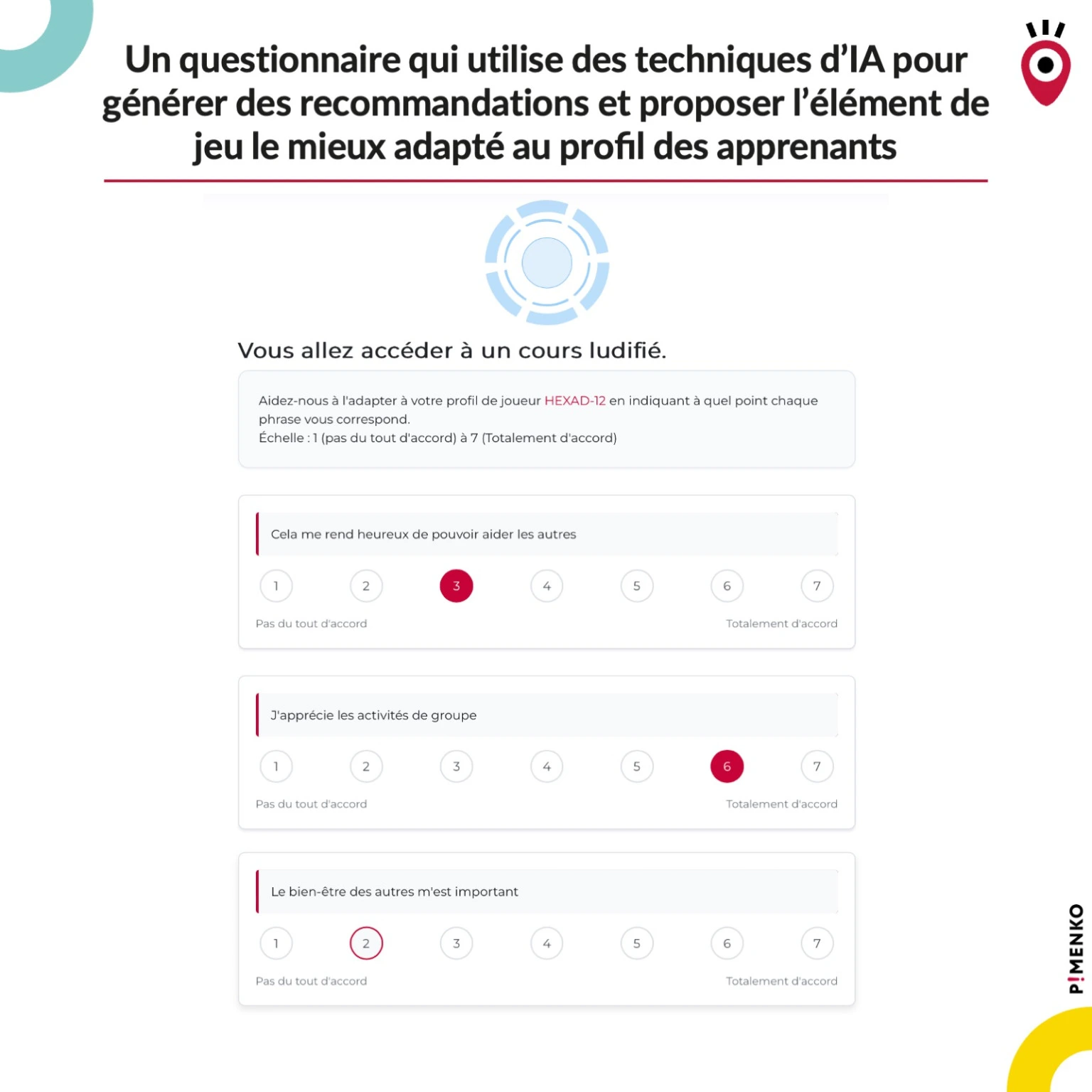
LudiLearn uses the HEXAD-12 scientific model to identify each learner’s player profile and assign them the game element that aligns with their underlying motivations. The result: lasting commitment, not just a novelty that fades away in two weeks.
Ludilearn
Discover how LudiLearn transforms the standard Moodle course format into an adaptive gamified experience by automatically assigning each learner the game element that best matches their profile—score, avatar, badges, leaderboard, or timer—from a choice of three visual themes.
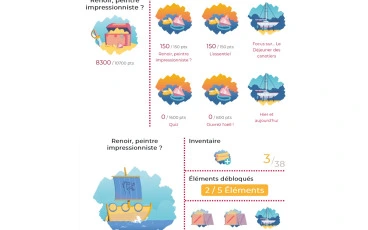

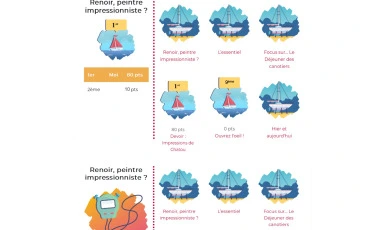
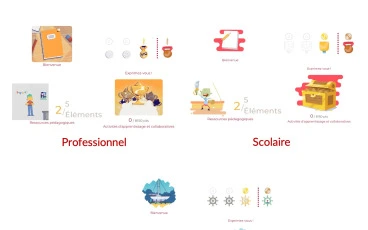
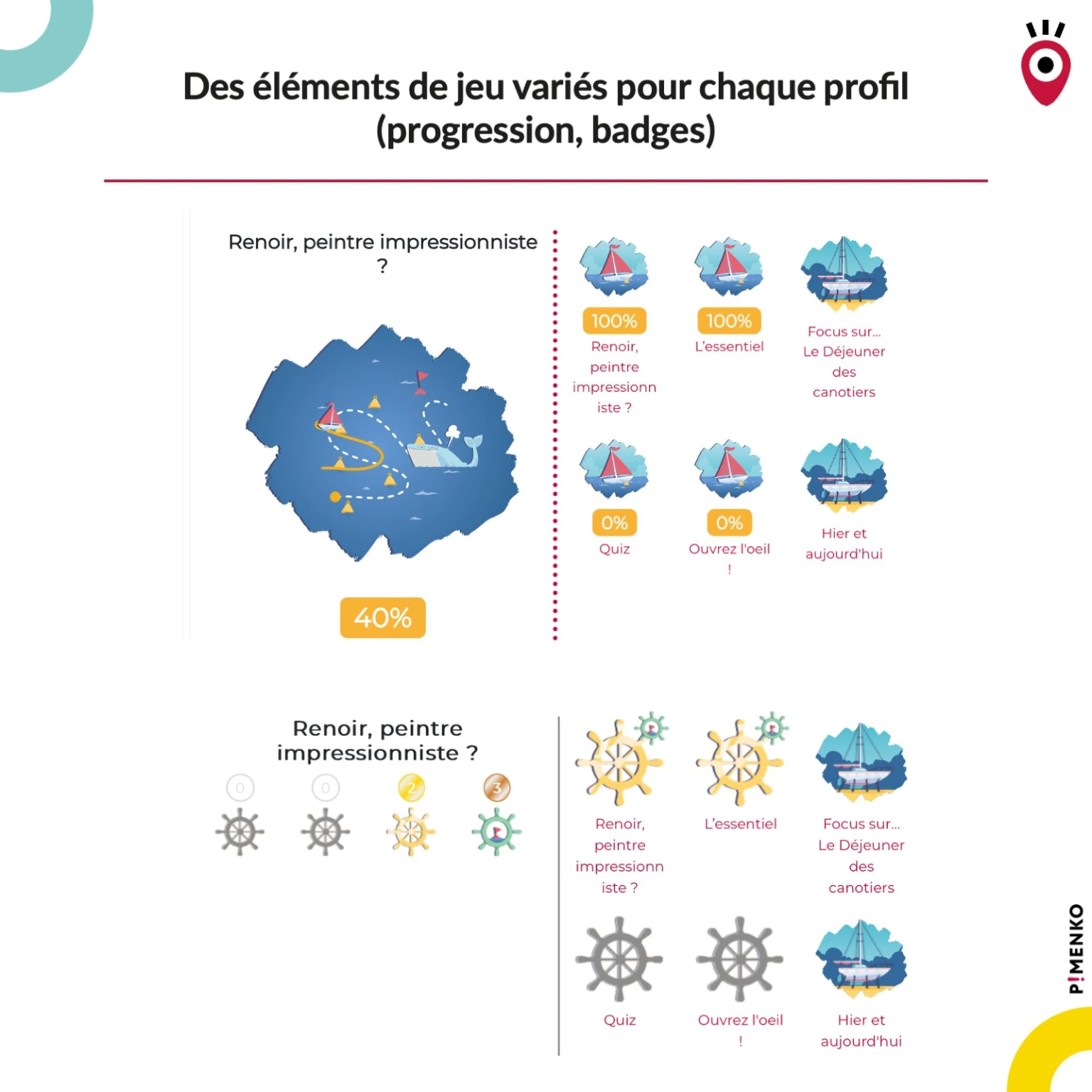
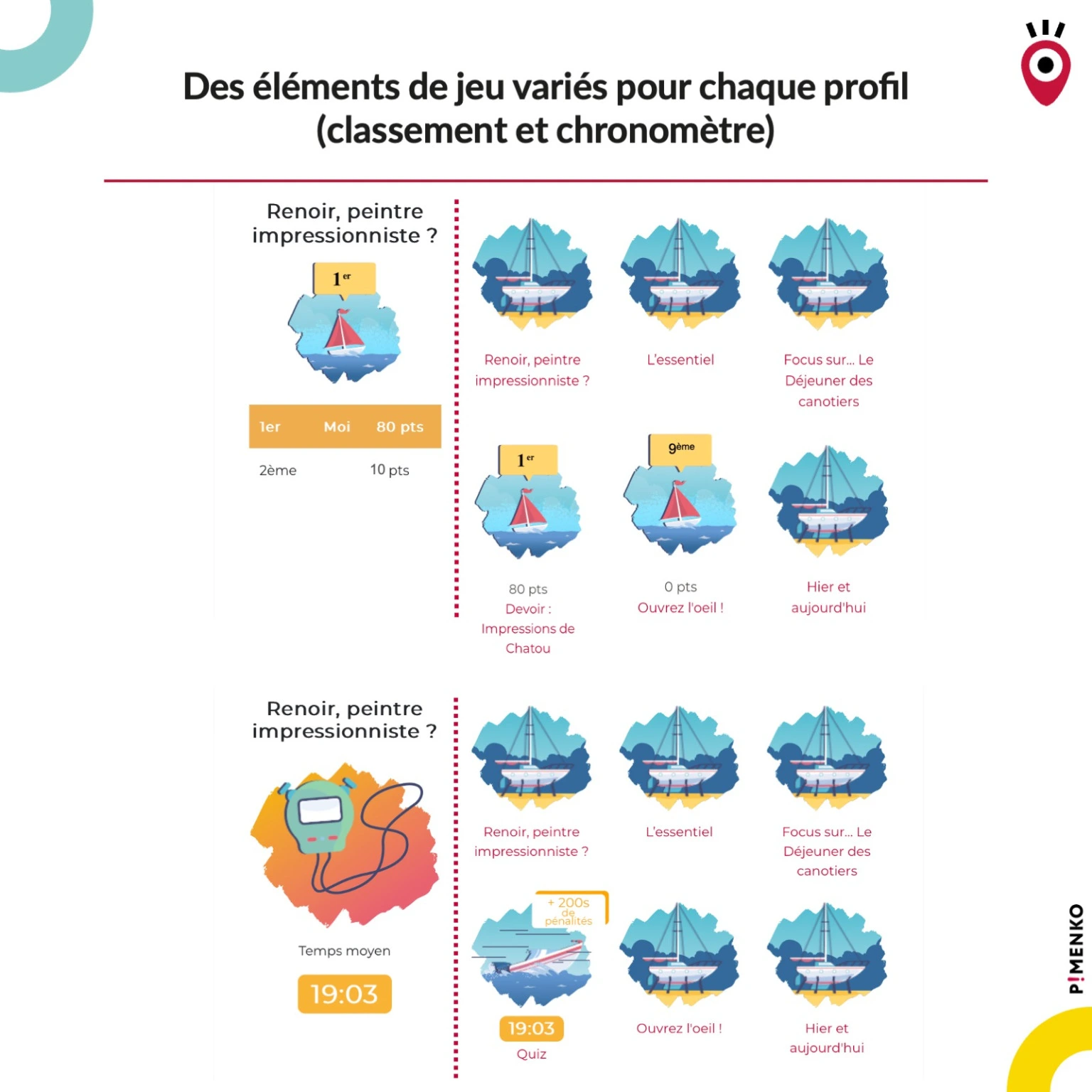
See Ludilearn in action
Everything LudiLearn Does
-
Automatic Profiling Using the HEXAD-12 Questionnaire
In automatic mode, each learner answers 12 questions the first time they log in. The algorithm identifies the player’s profile and assigns them the most suitable game element.
-
3 allocation methods
Manual Mode (a single element for the entire course), Automatic Mode (adaptive via HEXAD-12), or Section-by-Section Mode (a different element for each part of the course). Choose based on your educational goals.
-
Real-time responsive interface
Game elements update automatically as you browse, without reloading the page. Particularly useful for H5P activities.
-
Selective Deactivation
Disable gamification for a specific activity or section with a single click. Some content isn’t meant to be gamified—LudiLearn lets you decide.
-
Personalized Customization
The instructor can manually change the game item assigned to a specific learner, regardless of how the course is assigned, without affecting the overall configuration.
-
Resetting the Questionnaire for Each Learner
If a learner’s profile changes or if the learner answered too quickly, the instructor can reset the HEXAD-12 questionnaire. Progress in the course is fully preserved.
-
Follow-up Report
View the game element assigned to each learner, track overall progress, check the most recent logins, and analyze your group’s engagement.
-
Smart Overlay: No Changes to Your Lessons
LudiLearn relies on Moodle’s native features (activity completion and grades). Apply the template to an existing course: everything will adjust automatically.
-
100% free and open source
LudiLearn is available for free on the Moodle Marketplace and on GitHub. Maintained by Pimenko, a Certified Moodle Partner, with regular updates for each new version of Moodle.
- Accès complet à toutes les fonctionnalités
- Toutes les mises à jour incluses
- Support via tracker
- Compatible Moodle 4.5 & et version suivante
Ready to engage your learners with gamification that’s tailored to them?
Get it on the Moodle Marketplace – freeIs LudiLearn really free?
Is LudiLearn really free?
Yes. LudiLearn is an open-source plugin developed as part of the LudiMoodle+ project. It is available for free on the Moodle Marketplace and on GitHub. Pimenko handles maintenance and updates.
Do I need to modify my lessons to use LudiLearn?
No. LudiLearn acts as an overlay for your existing courses. It uses the activity completion and grades already configured in Moodle. All you need to do is enable the Ludilearn format in the course settings and choose an assignment mode.
What is the HEXAD-12 model?
HEXAD-12 is a scientifically validated questionnaire that identifies a learner’s gaming profile in 12 questions. It is the result of research conducted by the LIRIS laboratory (CNRS, University of Lyon) and has been tested with more than 2,000 students since 2018.
Can I use LudiLearn without the automatic mode?
Yes. If you want to maintain full control, manual mode lets you choose a single game element for the entire class. This is the perfect way to get started before exploring more advanced modes.
What happens if I disable LudiLearn for a course?
You can revert to Moodle’s default course format with a single click, without making any changes to your content. Learners’ activities, notes, and data are fully preserved.
Which version of Moodle is LudiLearn compatible with?
LudiLearn is compatible with Moodle 4.1 and all later versions, including Moodle 4.5 LTS. Specific versions are available for Moodle 4.1, 4.2, 4.3, 4.4, and 4.5.