Make people want to sign up even before they start the course
Enroll Synopsis remplace la page d’auto-inscription minimaliste de Moodle par une présentation visuelle, structurée et personnalisable sans aucune compétence technique requise.
Obtenir Enroll Synopsis sur la Moodle Marketplace
🐣 Early Bird : 59 $ / an jusqu’au 1er octobre 2026 – Ensuite 79 $ / an
💬 Support inclus avec la licence
Complete documentation available
Moodle 4.1+
and later versions
2 layout templates
Basic or Advanced
Available without an internet connection
Visitors see the page before logging in

Your sign-up page doesn’t make people want to sign up.
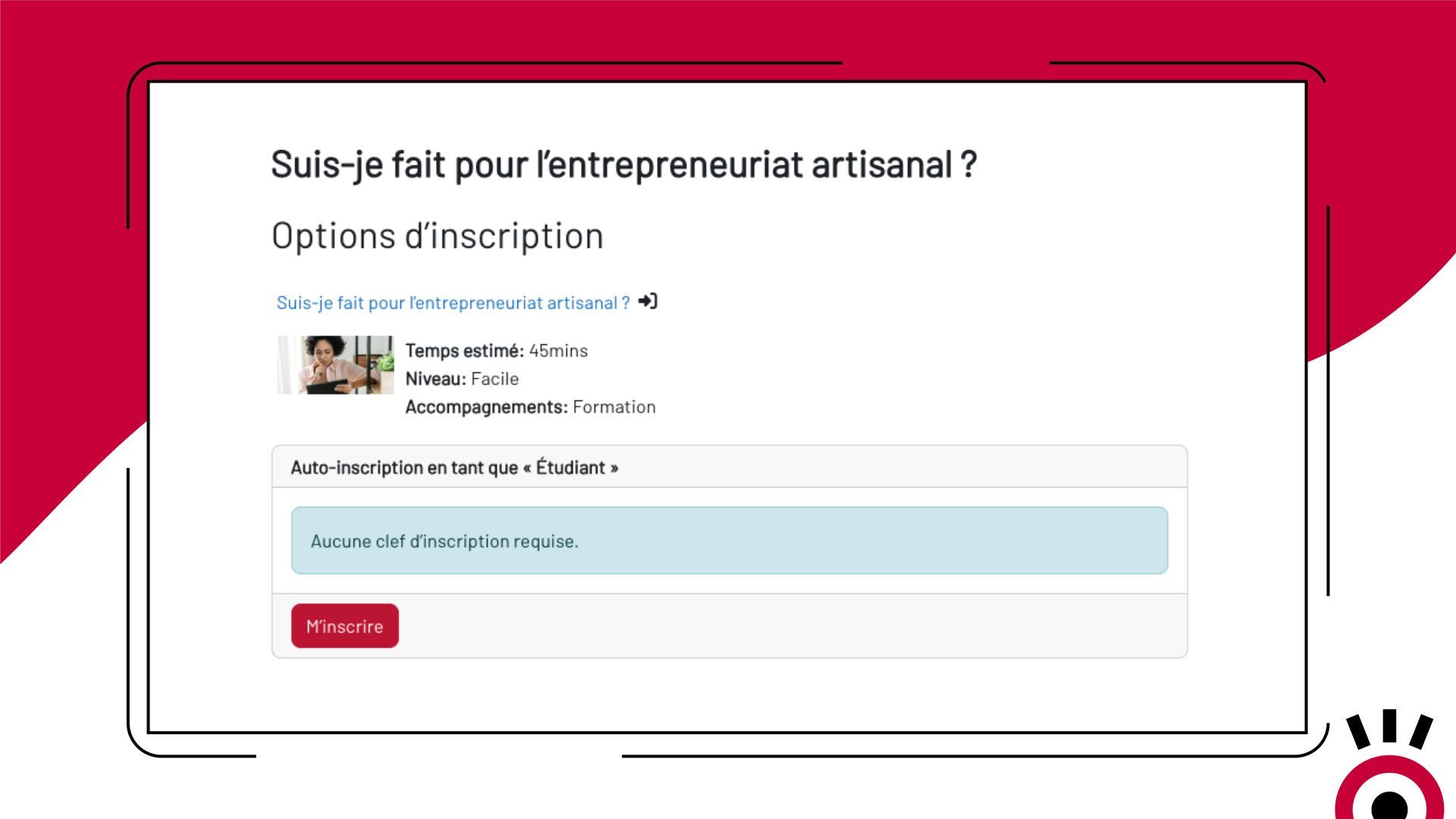
When a learner discovers your course for the first time, Moodle displays a page that is stripped down to the bare essentials: a title, sometimes a password field, and a button. No image, no program, no context. No concrete reason to commit.
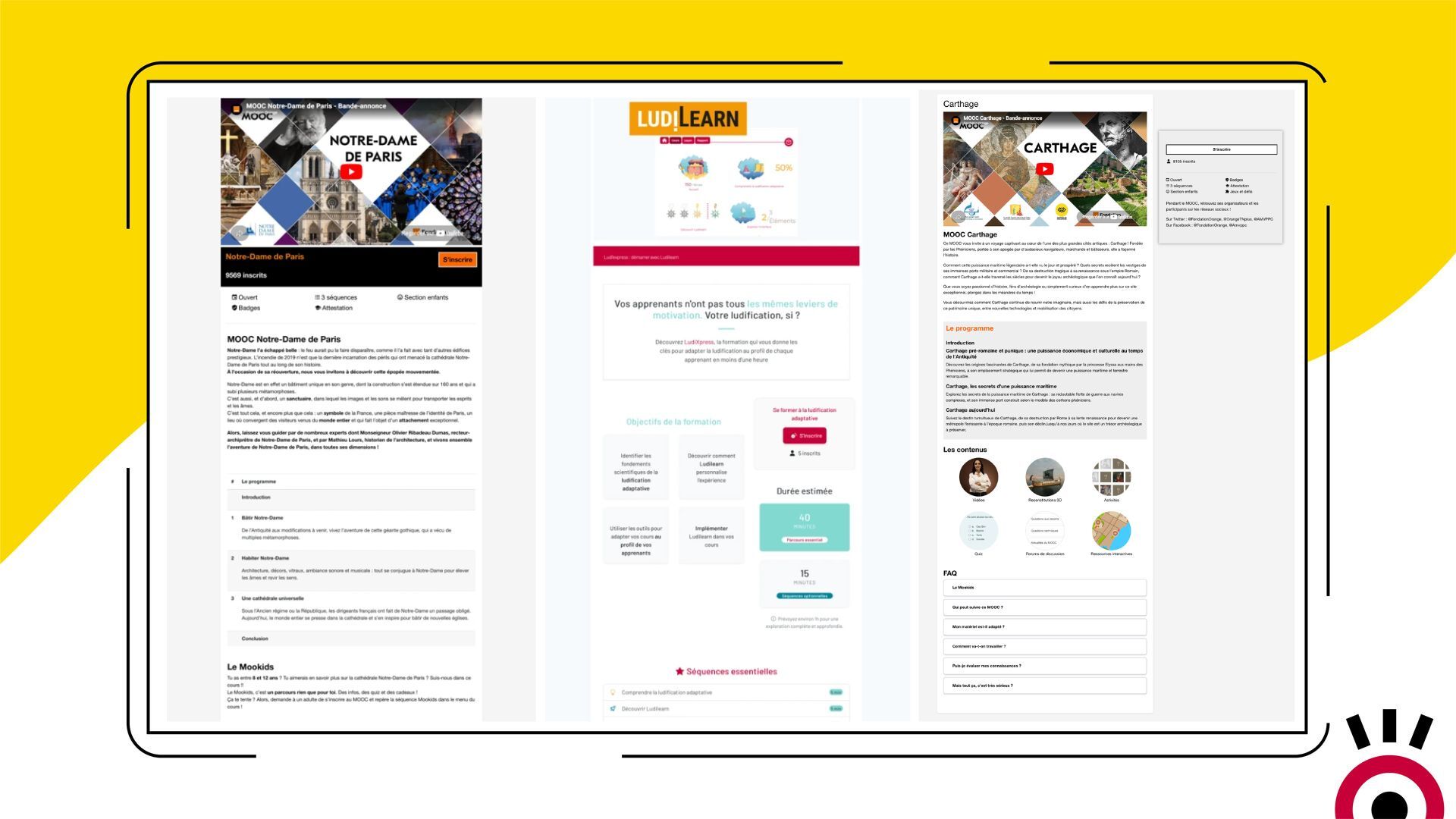
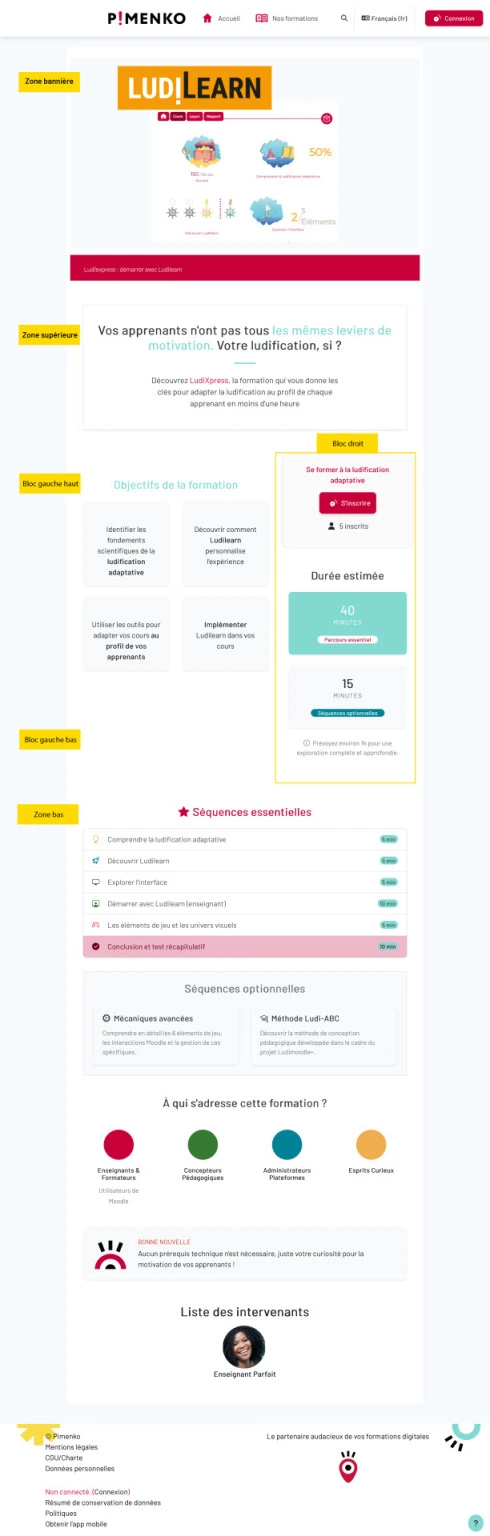
The Solution: Enroll Synopsis transforms your registration page into a true showcase for your courses
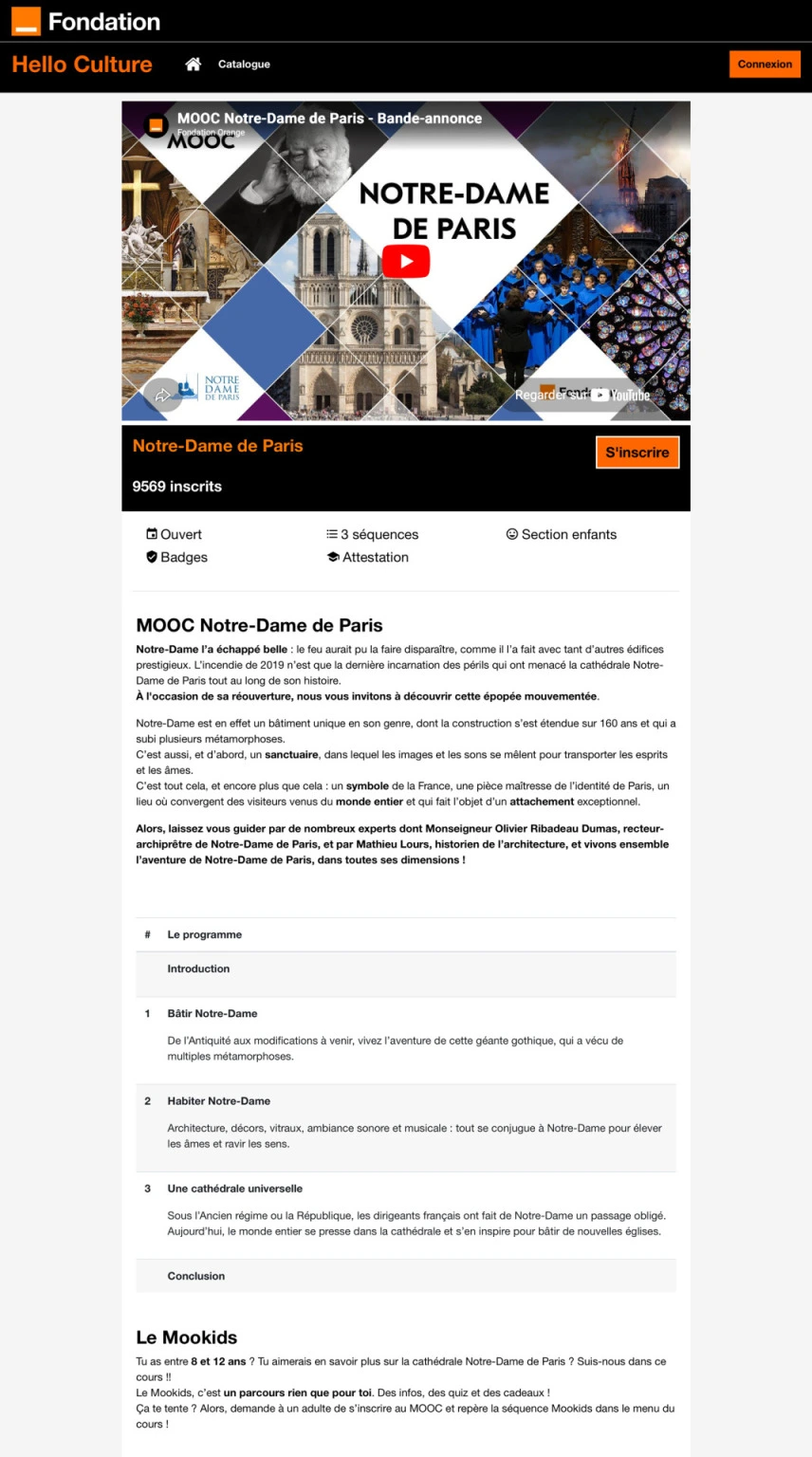
Choose a template, fill in the content fields, and your registration page will become a complete, professional presentation—complete with a video, program, speakers, and a registration button. No customization, no custom theme.
Enroll Synopsis
Find out how Enroll Synopsis replaces Moodle’s default self-enrollment page with a fully customizable course overview and several available templates.
Everything Enroll Synopsis Does
-
Two layout templates
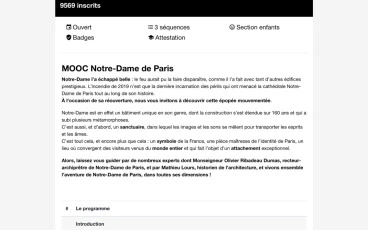
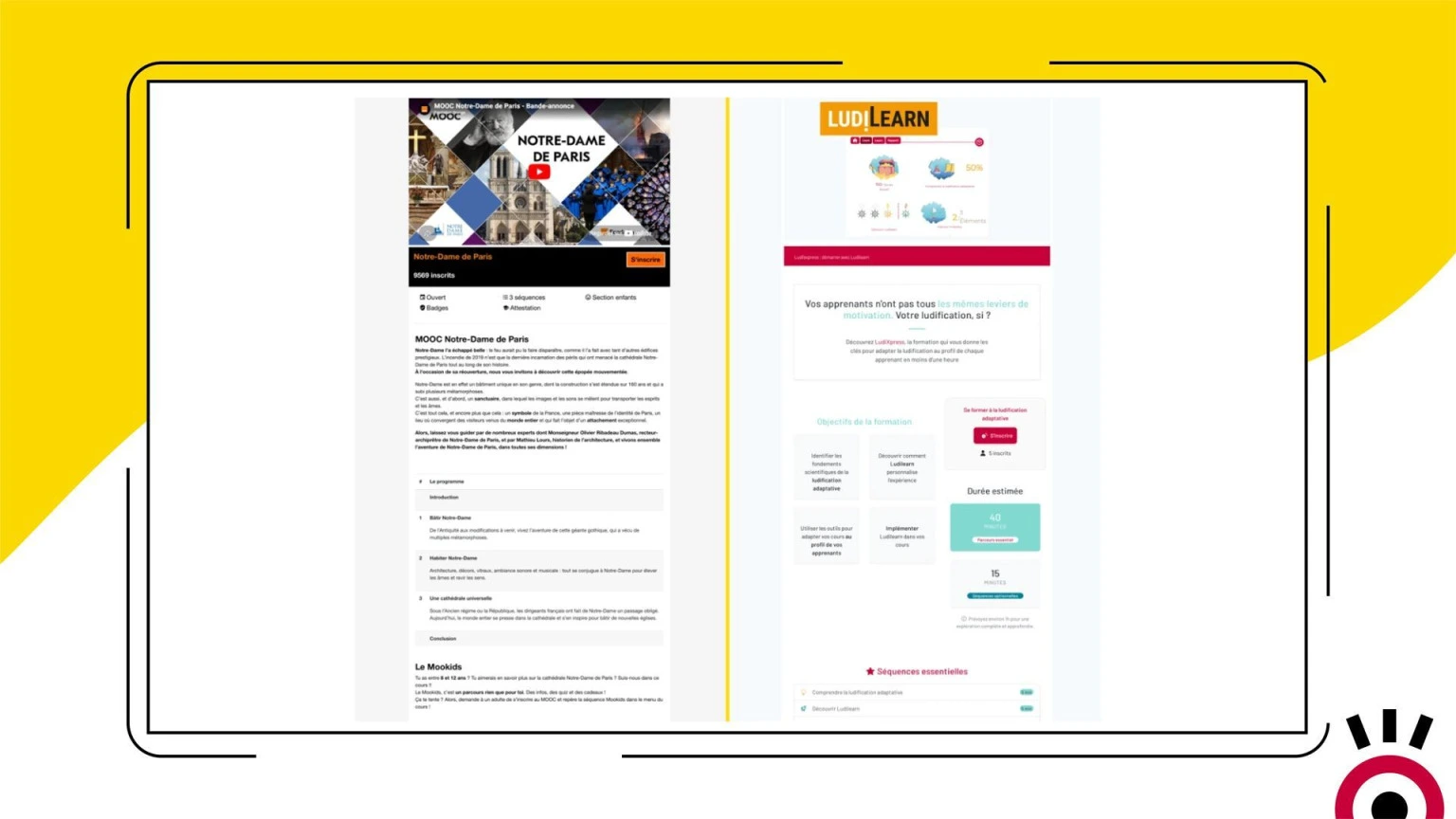
Template 1 for a clean layout with two large open areas. Template 2 for a block-based presentation, requiring no technical skills.
-
Course outline displayed automatically
The titles of the course sections appear directly on the registration page, without any manual entry. The student reviews the program before enrolling.
-
Automatic Introduction of Speakers
The instructors’ names, profile pictures, and descriptions are displayed automatically based on their Moodle roles. Ideal for recognizing your teaching staff.
-
Pre-registration period
Allow learners to register before the course officially begins. They access the course overview page and confirm their registration, but can only enroll in the course on the start date.
-
Available without an internet connection
Unauthenticated visitors can view the full home page and decide whether to sign up. Ideal for course catalogs available to the public.
-
Automatic Course Fields
The subtitle, tags, number of enrolled users, and Moodle custom fields are automatically displayed in the designated fields, without the need for repeated data entry.
-
Comprehensive Access Control
Enrollment key, maximum number of enrolled students, cohort-based restrictions, enrollment start and end dates: all of Moodle’s native settings remain available and function normally.
-
Automatic Welcome Message
Send a personalized email to each learner as soon as they register. Select the sender and compose the message as you like.
-
No theme modifications required
Enroll Synopsis is set up as a standard Moodle enrollment method. No development, no theme modifications, no technical work.
- Accès complet à toutes les fonctionnalités
- Toutes les mises à jour incluses
- Support via tracker
- Compatible Moodle 4.1 & et version suivante
Ready to turn your registration page into a showcase for your course?
Available on the Moodle Marketplace—starting at $59/year (early bird)Frequently Asked Questions
Do you need technical skills to use Enroll Synopsis?
No. Template 2 requires no technical knowledge: simply fill in the provided content fields. Model 1 lets you take your HTML further if you want, but it’s not required.
Can a visitor who isn't logged in view the home page?
Yes. The Enroll Synopsis registration page is accessible without logging in. An anonymous visitor can view the course content and click “Enroll”—they are then redirected to the Moodle login page.
Can Enroll Synopsis be used for fixed-date training courses or MOOCs?
Yes. The pre-registration feature allows learners to register before the course officially opens. This is a common use case for MOOCs, synchronous sessions, and fixed-date training courses.
Are the usual Moodle self-enrollment settings retained?
Yes. Enroll Synopsis is an alternative enrollment method, not a complete replacement. All native settings (key, dates, cohort, maximum number of registrants, welcome message) remain available and function in the same way.
Which version of Moodle is Enroll Synopsis compatible with?
Enroll Synopsis is compatible with Moodle 4.1 and all later versions.
Does the license cover all the courses on my platform?
Yes. A single annual subscription covers all courses in your Moodle instance, with no limits.